User Interface in Web Design: What is UI?
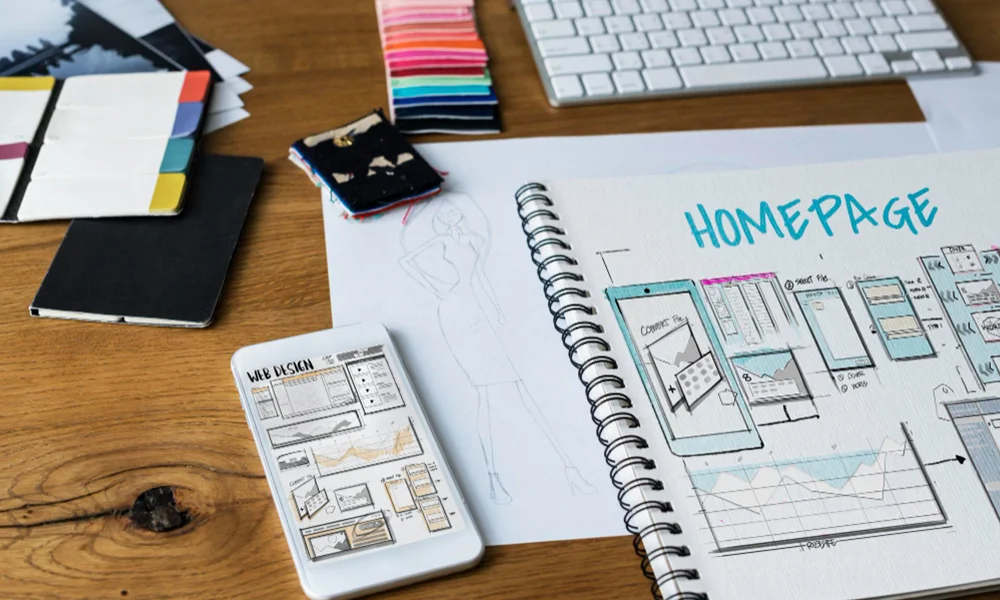
Web design and user interface (UI) design are constantly evolving with the rapid development of technology. In recent years, many new trends and innovations have emerged with the goal of enriching user experience (UX) and creating more engaging web applications. In this article, we will explore in detail the new trends in web design, micro-interactions, and the latest developments in UI design.
1. New Trends in Web Design:
- 1.1. Dark Mode: Dark mode has gained significant popularity among users in recent years. This mode offers a user interface where the background is designed with dark colors. Dark mode can reduce eye strain and enhance comfort when using devices in low-light conditions. Additionally, due to its potential for energy savings, it may be more efficient on devices with OLED screens.
- 1.2. Minimalist Design: Minimalist design eliminates unnecessary elements, highlighting simplicity and functionality. Clean lines, ample white space, and striking typography are key components of minimalist design. This approach helps direct users' attention to the main content and often results in faster loading times.
- 1.3. Dynamic and Interactive Content: Dynamic and interactive content enhances user engagement by allowing users to actively participate in their experience. This can include elements like animations, hover effects, real-time updates, and interactive forms. By responding to user input, dynamic content makes the website feel more engaging and personalized. It encourages users to explore and interact more deeply with the site, improving overall satisfaction and retention.
- 1.4. Voice Search and Voice Commands: Voice search and voice commands are becoming increasingly popular as they offer users a hands-free way to interact with websites and apps. By enabling voice search, users can quickly find information without typing, improving convenience and accessibility. Voice commands also allow users to perform specific actions, like making purchases or navigating through a website, using only their voice. This trend enhances the user experience, making it more efficient and accessible, particularly for people with disabilities or those on the go.This trend is particularly common on mobile devices and smart assistants.
- 1.5. High-Resolution Graphics and Images: High-resolution graphics and images are essential for providing a visually appealing and professional user experience. With the advancement of display technology, especially on devices with Retina or 4K screens, high-quality visuals enhance the overall look and feel of a website. These images ensure that users can see sharp, clear details, contributing to the credibility and aesthetics of the site. However, it’s important to optimize these high-resolution images to prevent slow loading times, ensuring a balance between quality and performance.
2. Micro-Interactions:
- 2.1. What is a Micro-Interaction? A micro-interaction is a small, focused interaction that happens when a user performs a specific action, such as clicking a button, scrolling, or receiving a notification. These interactions are often subtle animations or visual cues that provide feedback, guide users, or enhance the experience. For example, a button changing color when hovered over or a like button animating when clicked are both examples of micro-interactions. They make the user interface feel more responsive, engaging, and intuitive, improving the overall usability of a website or app.
- 2.2. User Feedback: Micro-interactions provide users with feedback about their actions. For example, receiving a visual feedback when clicking a button ensures the user knows their action has been registered. These types of feedback make interactions with the system more intuitive, enhancing the overall user experience.
- 2.3. Animasyonlar ve Geçişler: Animations are a key part of micro-interactions. Transition animations used on websites and apps can capture users' attention and make interactions feel more natural. For example, sliding effects when opening a menu or animations indicating that a form has been successfully submitted can enhance the user experience by providing clear feedback and making the interface more engaging.
- 2.4. Loading and Placeholder Images: Loading screens and placeholder images can make the waiting time more pleasant for users. They help users understand that a process is happening or content is loading. Loading animations and placeholder visuals can make the waiting experience feel less tedious, providing users with a more engaging and less frustrating experience while they wait for content to appear.
3. Innovations in User Interface (UI) Design:
- 3.1. Third-Party Tool Integration: Third-party tool integration in user interface design enhances the efficiency of users on websites. These tools can include social media integrations, map services, and payment systems. Such integrations allow users to complete tasks faster and more easily, streamlining their overall experience and making interactions more seamless.
- 3.2. Data Visualization and Dashboards: Data visualization allows complex data to be presented in an understandable and visually appealing way. Dashboards help users quickly comprehend data at a glance, providing a concise overview of key metrics and insights. These tools are especially common in business applications and analytics platforms, enabling users to track performance, make data-driven decisions, and identify trends easily. Effective data visualization enhances user experience by transforming raw data into actionable insights through charts, graphs, and interactive elements.
- 3.3. Responsive Design: Responsive design ensures that websites function seamlessly across various devices and screen sizes. Designs that adapt to different screen dimensions, from mobile devices to desktop computers, enhance the user experience and improve the website's accessibility. This approach helps provide a consistent and efficient browsing experience for users, regardless of the device they are using.
- 3.4. Parallax Scrolling: Parallax scrolling allows background and foreground elements to move at different speeds, creating a sense of depth. This technique can enrich the user experience and add visual appeal to a website, making it more engaging and dynamic. By enhancing the flow of interaction, parallax scrolling helps capture users' attention and makes the browsing experience more immersive.
- 3.5. Micro Animations and Contextual Feedback: Micro animations are small visual feedbacks that occur when users interact with a website. These animations are used to indicate that the user's actions have been completed successfully or that an event has taken place. Contextual feedback ensures that users receive immediate responses when they perform a specific action or when a process is completed. This type of feedback helps confirm the outcome of their actions, providing reassurance and enhancing the overall user experience.
Innovations in web design, with the elegant touches of micro-interactions, transform the user experience into an art form; because every detail becomes a piece that enhances both the aesthetics and functionality of the interaction. These small, thoughtful elements not only make the design more engaging but also improve usability, making the overall experience smoother and more intuitive for users.
In summary
Web design and user interface (UI) design are fields that are constantly evolving and changing. New trends such as dark mode, minimalist design, dynamic content, voice search, and high-resolution visuals aim to enhance the user experience and make websites more impactful. Micro-interactions and innovative UI design approaches make interactions more intuitive and satisfying, enriching web experiences. These innovations are the building blocks of future web design trends, with the potential to make users' interactions on the web more meaningful and enjoyable.